

Trigger all 8 samplers with your MIDI keyboard. When it's time to record, decide if you want to record quantised or unquantised, enable the toggle and bang away! Either record one voice at a time or do all at once, SMPLseq can handle both workflows.
Organic modulation has never been easier. Record the LFOs output into the sequencer with one toggle. Need more precision? Use the manual automation knob and record the exact modulation you want in realtime. Fine tune later with param locks, slides, clock dividers, last step, modulation amount & delay.
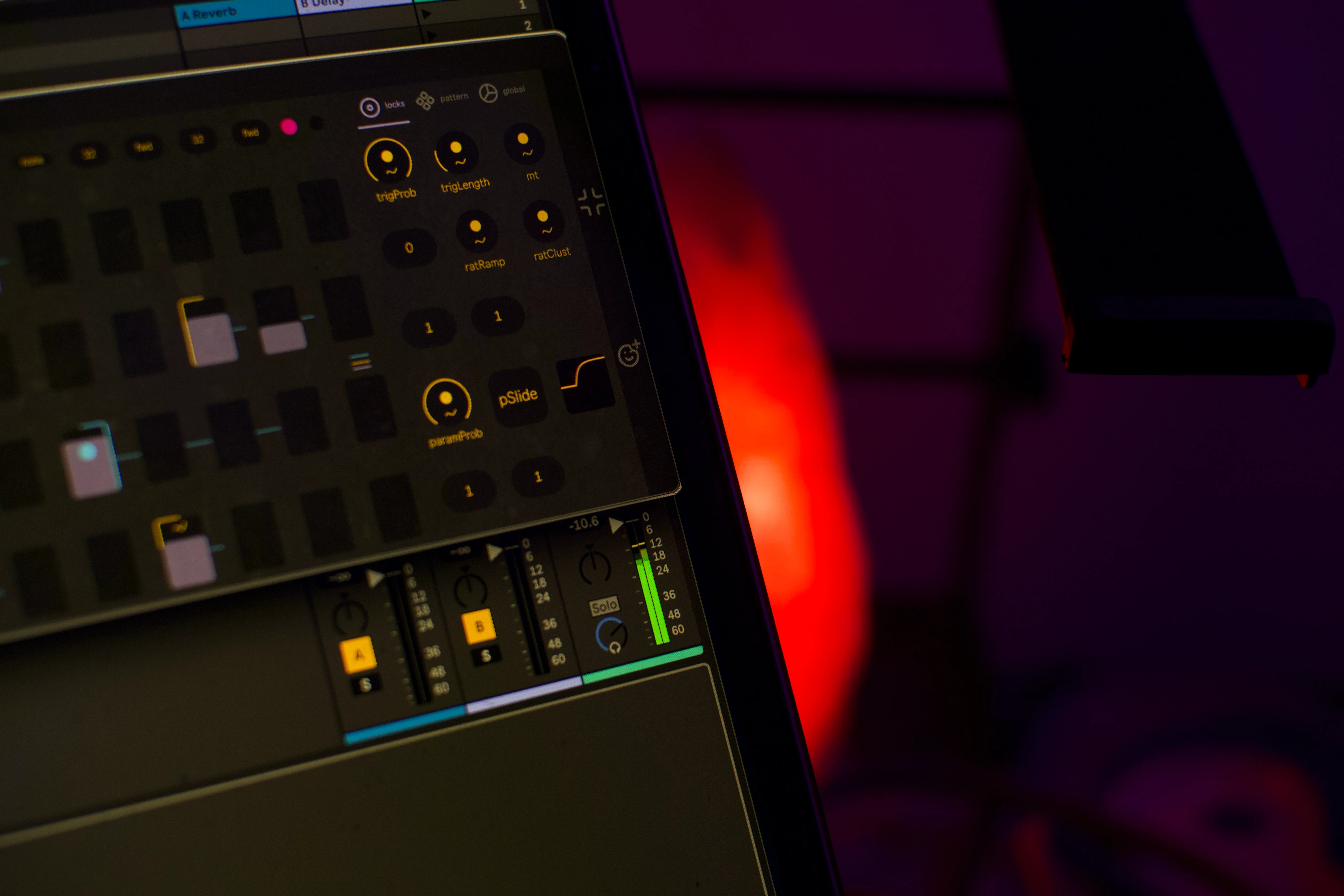
Modulate every sampler and effect parameter with 64 independent lanes of modulation from the sequencer. Each of these can run at their own clock division, direction and last step settings. Combine with slides, param probability & param conditions for extra interest.
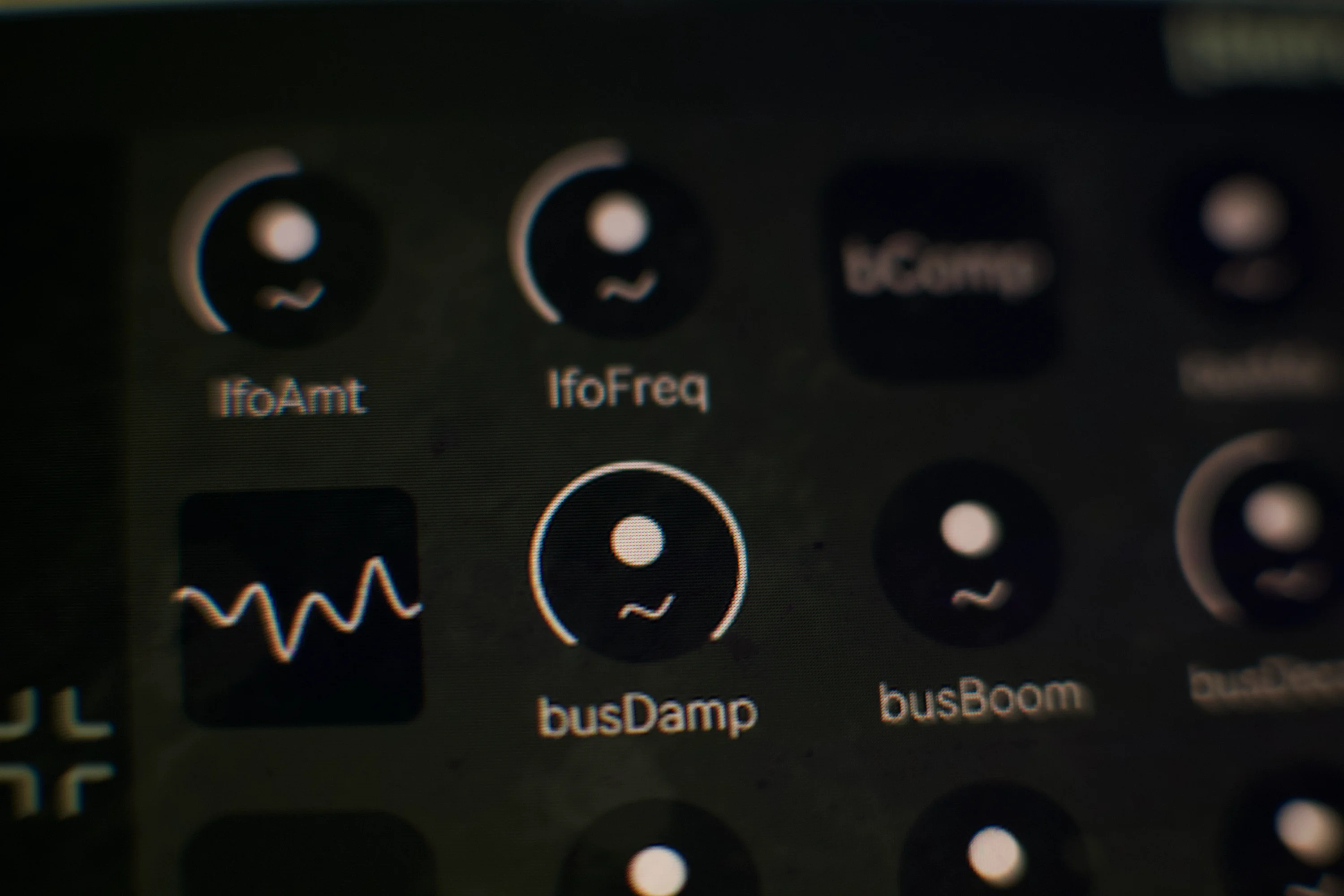
Organic LFO, parallel compression, transient shaping & resonant boom, DJ style HP & LP filter with resonance & drive, parallel distortion, ping-pong feedback delay and reverb with a noise circuit. All modulatable via the sequencer. You won't be running out of creative options anytime soon. Be as subtle or as heavy handed as you like.
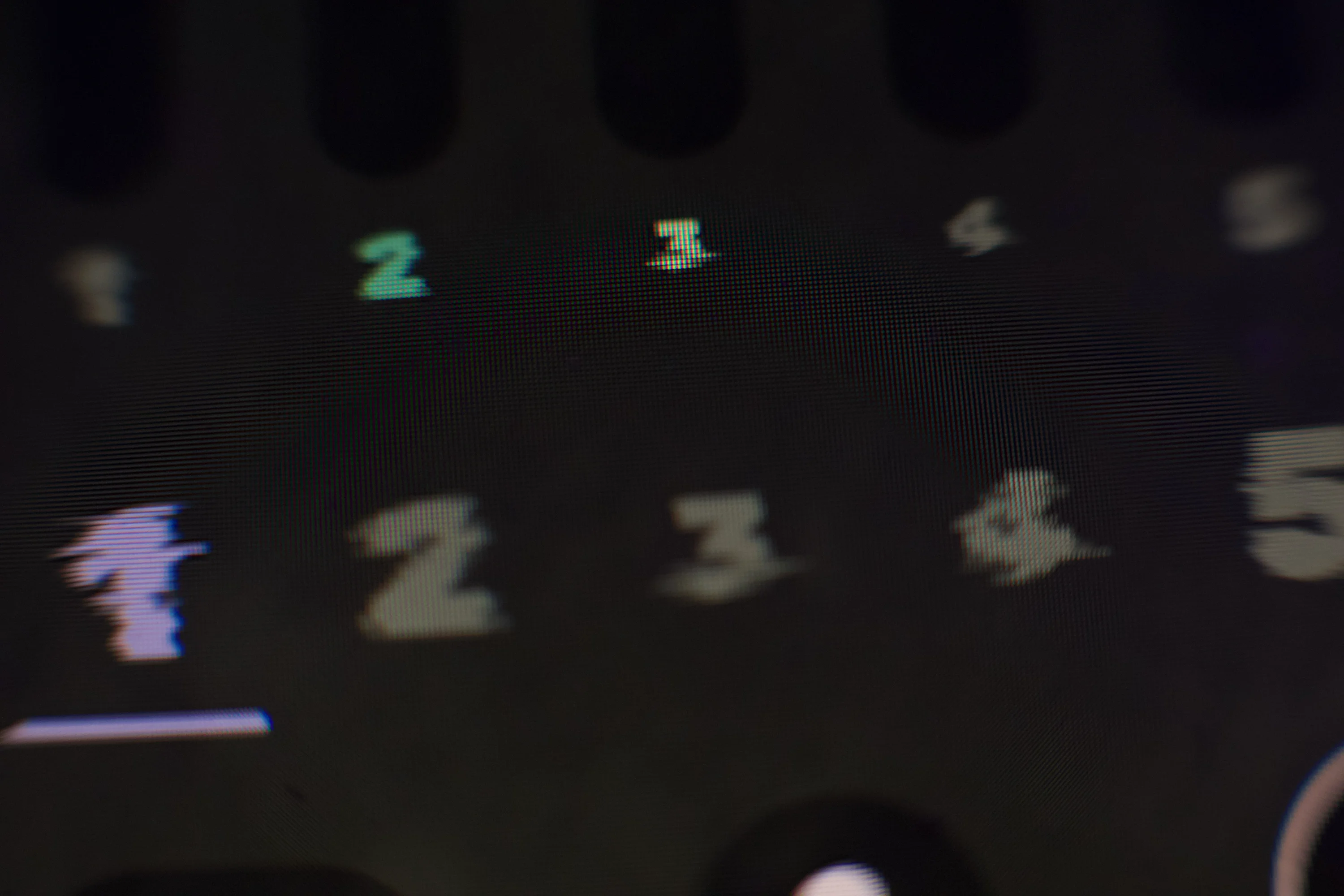
Control the 8 channel faders, sample loading, MIDI recording, preset controls & crossfader from the tray UI. Want to dive in? Pop open the dynamically resizable custom UI for full control. Shift support for fine tuning paramters, double click to reset paramters, hold command (ctrl on Windows) or option to access different increment intervals.
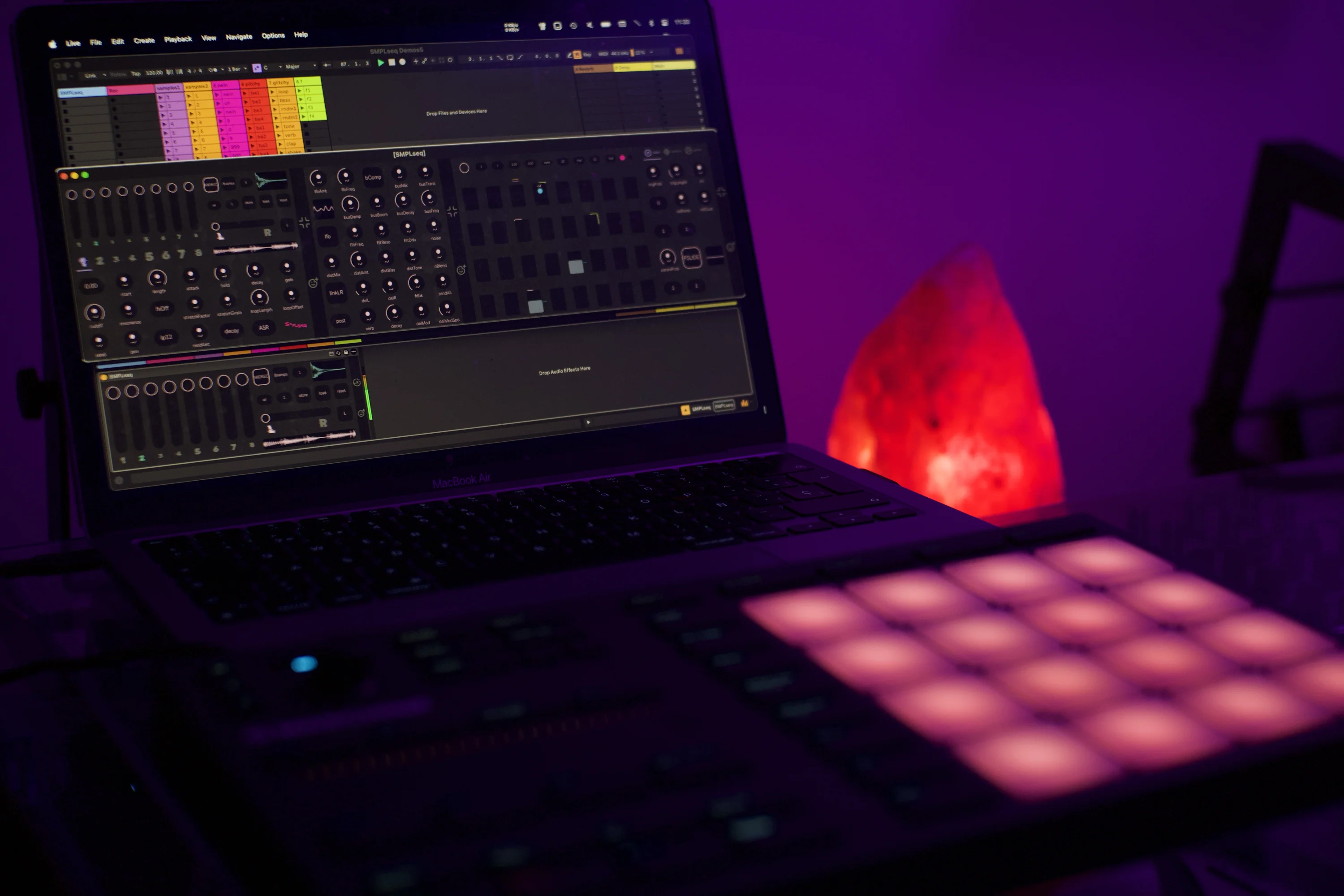
Dedicated window for MIDI mapping. All controls except the sequencer steps are MIDI mappable. psst these can also be used for automating and modulating from Ableton. Don't let us stop you if you want to get experimental and change the sequencer direction or last step settings every 3.1.7 bars.

We only send newsletters when we have something meaningful to say.
Subscribe for our latest news and exclusive offers.


.svg)